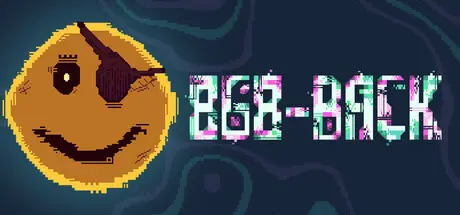
June 4Jun 4 868-BACK Game DetailsRelease Name: 868-BACKGame Version: Build 23489957Release Date: 28 May, 2026Publisher: FinjiDeveloper: Michael BroughBased On: CSF & Goldberg868-BACK Direct Download - Game OverviewData is currency, money, moola 🤑 The MegaCorps have too much info on me, you, and everyone. You’ll be taking it back. After all, progs aren’t cheap!Progs are powers, and the MegaCorps control them all. You'll be stealing their code, and using it against them. Expect consequences.You didn’t think the MegaCorps were going to let you reach the Mainframe without a fight, did you? The cyberstakes are high. Get disconnected too many times, and your mission starts from scratch.The Big Three’s defenses are strong, Hacker, but you can be stronger. Pick up new tricks on every run, use the MegaCorps' progs to change the world, and find that Mainframe!868-BACK Screenshots 868-BACK Trailer868-BACK System Requirements Minimum RequirementsRecommended Requirements OSWindows 10- ProcessorDual Core CPU - 2.4 GHz+- Memory4 GB RAM- Graphics512 MB VRAM, Vulkan 1.0 or OpenGL 3.3- DirectX-- Storage600 MB available space- How to Install 868-BACKNo Installation Needed: The game is pre-installed. Just download and extract.Extract: Right-click the .zip or .rar file and select "Extract Here" or "Extract to folder".Run: Find 868-BACK.exe inside the folder and run it.Game Data & SettingsChange Language: Edit the file located at steam_settings/Configs.user.iniSave Data Location: %USERPROFILE%/AppData/Roaming/Godot/app_userdata/868-BACKImportant NotesTo support the Game Developer, Get It On Steam.🔥DOWNLOAD AREA🔥🔹425 MB🔹Select the server you want to download with ZeiLink.Download





Create an account or sign in to comment