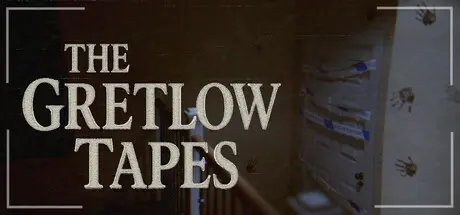
January 10Jan 10 The Gretlow Tapes Game DetailsRelease Name: The Gretlow TapesGame Version: v1.1.0 | Build 21146547Release Date: 7 Oct, 2025Publisher: Aegon GamesDeveloper: Aegon GamesBased On: CSF & GoldbergThe Gretlow Tapes Direct Download - Game OverviewThe Gretlow Tapes is a short (~1.5 hours), atmospheric, first-person horror game. Armed with nothing but your camera, you set out to investigate the mysteries of the abandoned Gretlow House.Experience the realistic found-footage aesthetic and foreboding sound design as you delve into a local legend that might be terrifyingly real.The Gretlow Tapes Screenshots The Gretlow Tapes TrailerThe Gretlow Tapes System Requirements Minimum RequirementsRecommended Requirements OSWindows 10Windows 10 Processor2.3 GHz3.0 GHz Memory8 GB RAM16 GB RAM GraphicsShader Model 5.0RTX 2060 DirectXVersion 12Version 12 Storage6 GB available space6 GB available space How to Install The Gretlow TapesNo Installation Needed: The game is pre-installed. Just download and extract.Extract: Right-click the .zip or .rar file and select "Extract Here" or "Extract to folder".Run: Find Watcher.exe inside the folder and run it.Game Data & SettingsChange Language: Edit the file located at steam_settings/Configs.user.iniSave Data Location: %USERPROFILE%/AppData/Local/Watcher/Saved/SaveGamesImportant NotesTo support the Game Developer, Get It On Steam.🔥DOWNLOAD AREA🔥🔹3.42 GB🔹Select the server you want to download with ZeiLink.Download





Create an account or sign in to comment