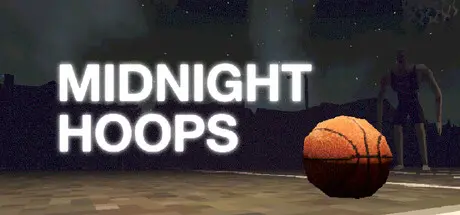
May 17May 17 Midnight Hoops Game DetailsRelease Name: Midnight HoopsGame Version: Build 23069409Release Date: 22 Apr, 2026Publisher: netshrubDeveloper: netshrubBased On: CSF & GoldbergMidnight Hoops Direct Download - Game OverviewThe court is peaceful after dark. No one around to disrupt your focus. Just you, a ball, and a whole lot of crickets.You're a high schooler with terrible grades. You're banking your college admissions on a basketball scholarship, so you put in the hours every evening. While your friends are out partying, you're on the grind. But tonight... you don't feel quite so alone.Practice your shotsInteract with the localsGet home by midnightPractice mode - Just hoops, no horrorTime trial challenge - Get the highest score and climb the leaderboardMidnight Hoops Screenshots Midnight Hoops TrailerMidnight Hoops System Requirements Minimum RequirementsRecommended Requirements OSWindows 10 version 21H1 (build 19043) or newer- Processorx86, x64 architecture with SSE2 instruction set support, Arm64- Memory4 GB RAM- GraphicsDX10, DX11, DX12 or Vulkan capable GPUs- DirectXVersion 10- Storage1 GB available space- How to Install Midnight HoopsNo Installation Needed: The game is pre-installed. Just download and extract.Extract: Right-click the .zip or .rar file and select "Extract Here" or "Extract to folder".Run: Find Midnight Hoops.exe inside the folder and run it.Game Data & SettingsChange Language: Edit the file located at steam_settings/Configs.user.iniSave Data Location: %USERPROFILE%/AppData/LocalLow/NetShrub/Midnight HoopsImportant NotesTo support the Game Developer, Get It On Steam.🔥DOWNLOAD AREA🔥🔹205 MB🔹Select the server you want to download with ZeiLink.Download





Create an account or sign in to comment