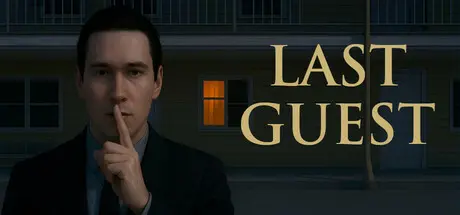
August 31, 20251 yr Last Guest Game DetailsRelease Name: Last GuestGame Version: Build 18457775Release Date: 28 May, 2025Publisher: Room13GamesDeveloper: Room13GamesBased On: CSFLast Guest Direct Download - Game OverviewIt's late at night. It is raining. You are a traveler, tired after a long journey. The only shelter you have is an old motel on the highway. It looks ordinary: dim lights, a shabby reception desk, a polite but strange concierge. He keeps repeating one thing: don't go near the wall. He says something is wrong in Room 8. You stay the night and start looking for answers. What happened in this motel? Why is no one going into Room 8? And is it true that someone is still watching from inside?Last Guest Screenshots Last Guest System Requirements Minimum RequirementsRecommended Requirements OSWindows 7 (only 64-bit) or Windows 10 (only 64-bit)Windows 7 (only 64-bit) or Windows 10 (only 64-bit) Processor3.0 Ghz (2 Core)3.33 Ghz (4 Core) Memory4 GB RAM8 GB RAM GraphicsNVIDIA GeForce GTX 960 / AMD Radeon R9 380NVIDIA GeForce GTX 1060 / AMD Radeon RX 580 DirectXVersion 11Version 11 Storage2 GB available space2 GB available space How to Install Last GuestNo Installation Needed: The game is pre-installed. Just download and extract.Extract: Right-click the .zip or .rar file and select "Extract Here" or "Extract to folder".Run: Find LastGuest.exe inside the folder and run it.Important NotesTo support the Game Developer, Get It On Steam.🔥DOWNLOAD AREA🔥🔹1.65 GB🔹Select the server you want to download with ZeiLink.Download





Create an account or sign in to comment