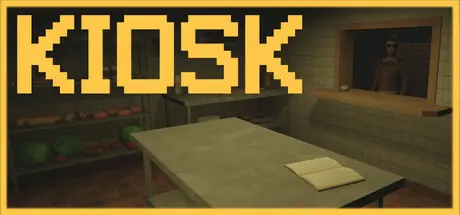
May 14May 14 Kiosk Game DetailsRelease Name: KioskGame Version: v1.0.11 | Build 20332647Release Date: 29 Jan, 2025Publisher: ViviDeveloper: ViviBased On: CSF & GoldbergKiosk Direct Download - Game OverviewStep into the role of a night shift worker at a small fast food kiosk. Your predecessor vanished under mysterious circumstances, leaving you to uncover what happened. As you manage late-night orders, strange events begin to unfold. Can you piece together the clues and discover the truth behind the disappearance? Three gamemodes:Story modeEndless mode ( with leaderboard ranking system )Relax modeKiosk Screenshots Kiosk TrailerKiosk System Requirements Minimum RequirementsRecommended Requirements OSWindows 7 , Windows 10 , Windows 11Windows 7 , Windows 10 , Windows 11 ProcessorIntel i3 3220Intel i7 3770 Memory4096 MB RAM4096 MB RAM GraphicsGTX 650 TiGTX 650 Ti DirectX-- Storage100 MB available space100 MB available space How to Install KioskNo Installation Needed: The game is pre-installed. Just download and extract.Extract: Right-click the .zip or .rar file and select "Extract Here" or "Extract to folder".Run: Find Kiosk.exe inside the folder and run it.Game Data & SettingsChange Language: Edit the file located at steam_settings/Configs.user.iniImportant NotesTo support the Game Developer, Get It On Steam.🔥DOWNLOAD AREA🔥🔹183 MB🔹Select the server you want to download with ZeiLink.Download





Create an account or sign in to comment