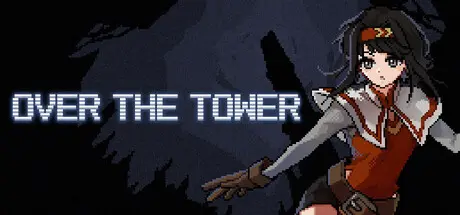
March 26Mar 26 OVER THE TOWER Game DetailsRelease Name: OVER THE TOWERGame Version: v1.5 | Build 22243018Release Date: 26 Jan, 2026Publisher: Minaduki Game StudioDeveloper: HiyashiMinadukiBased On: CSF & GoldbergOVER THE TOWER Direct Download - Game OverviewYou set out on an adventure toward the summit of a mysterious tower. The tower is infested with countless enemies, and to move forward, you must defeat them.Defeating enemies rewards you with coins. Spend these coins on upgrades to enhance your stamina, damage, critical rate, and more.Along the way, you will obtain items such as swords and staffs.Equipping items not only increases your attack power, but also grants various effects that make you even more powerful.Defeat enemies, collect items, and make your way to the top of the tower!OVER THE TOWER Screenshots OVER THE TOWER System Requirements Minimum RequirementsRecommended Requirements OSWindows10- ProcessorIntel Core i3- Memory4 GB RAM- Graphics-- DirectX-- Storage1 GB available space- How to Install OVER THE TOWERNo Installation Needed: The game is pre-installed. Just download and extract.Extract: Right-click the .zip or .rar file and select "Extract Here" or "Extract to folder".Run: Find OVER THE TOWER.exe inside the folder and run it.Game Data & SettingsChange Language: Edit the file located at steam_settings/Configs.user.iniSave Data Location: %USERPROFILE%/AppData/LocalLow/Minaduki Game Studio/Over the TowerImportant NotesTo support the Game Developer, Get It On Steam.🔥DOWNLOAD AREA🔥🔹97 MB🔹Select the server you want to download with ZeiLink.Download





Create an account or sign in to comment