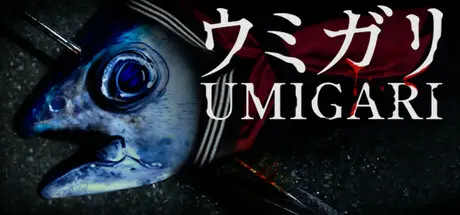
February 7Feb 7 UMIGARI | ウミガリ Game DetailsRelease Name: UMIGARI | ウミガリGame Version: v1.63 | Build 22030660Release Date: 4 Feb, 2026Publisher: Chilla's ArtDeveloper: Chilla's ArtBased On: CSF & GoldbergUMIGARI | ウミガリ Direct Download - Game OverviewUMIGARI is a first-person harpoon fishing game set in the foggy waters off the coast of Japan. Hunt fish with your harpoon, sell your catch, buy fuel, and upgrade your gear.Alone at sea, the more you explore, the stranger the fish become.Estimated playtime: 2–4 hoursHorror intensity: Very LightThis game is unlike our past games. If you’re looking for a hardcore horror experience, this may not be for you.UMIGARI | ウミガリ Screenshots UMIGARI | ウミガリ TrailerUMIGARI | ウミガリ System RequirementsMinimum RequirementsRecommended RequirementsOSWindows 10 x64 or AboveWindows 11 x64ProcessorIntel® Core™ i5-10600 or AMD equivalentIntel® Core™ i7-10700K or AMD equivalentMemory8 GB RAM16 GB RAMGraphicsNVIDIA® GTX 1060 or Radeon™ RX 580NVIDIA® GeForce RTX 2070 or AMD equivalentDirectXVersion 11Version 12Storage6 GB available space6 GB available spaceHow to Install UMIGARI | ウミガリNo Installation Needed: The game is pre-installed. Just download and extract.Extract: Right-click the .zip or .rar file and select "Extract Here" or "Extract to folder".Run: Find ProjectBoat.exe inside the folder and run it.Game Data & SettingsChange Language: Edit the file located at steam_settings/Configs.user.iniImportant NotesTo support the Game Developer, Get It On Steam.🔥DOWNLOAD AREA🔥🔹4.35 GB🔹Select the server you want to download with ZeiLink.Download





Create an account or sign in to comment