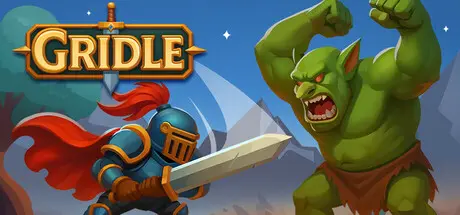
January 30Jan 30 Gridle Game DetailsRelease Name: GridleGame Version: v1.0.2 | Build 21630698Release Date: 21 Jan, 2026Publisher: SeylojDeveloper: SeylojBased On: CSF & GoldbergGridle Direct Download - Game OverviewGridle is an incremental idle RPG where you manage a powerful party to take down waves of enemies! Strategically upgrade, heal, reassign, and level up your party members to ensure maximum progress. After 50 initial levels to conquer, the game transitions into infinite levels where the challenge never stops.Your party will automatically fight enemies for you. Allowing you to do other tasks while the gameplay flows. Optimize your party for survival to ensure they progress as much as possible by assigning classes to your party slots, upgrading your classes, unlocking skills, rebirthing for knowledge upgrades and much more.Gridle features a huge rebirth tree with well over 300 knowledge upgrades. These upgrades impact everything from money earnings to individual class perks and will ensure your party can go way beyond any limits and eventually reach the end of the realm.Gridle Screenshots Gridle TrailerGridle System Requirements Minimum RequirementsRecommended Requirements OSWindows 8/10Windows 10 Processor2.3 GHz Intel Core or better2.3 GHz Intel Core or better Memory500 MB RAM1 GB RAM Graphics128mb Video Memory128mb Video Memory DirectX-- Storage500 MB available space500 MB available space How to Install GridleNo Installation Needed: The game is pre-installed. Just download and extract.Extract: Right-click the .zip or .rar file and select "Extract Here" or "Extract to folder".Run: Find Gridle.exe inside the folder and run it.Game Data & SettingsChange Language: Edit the file located at steam_settings/Configs.user.iniSave Data Location: %USERPROFILE%/AppData/LocalLow/Seyloj\grIdleImportant NotesTo support the Game Developer, Get It On Steam.🔥DOWNLOAD AREA🔥🔹210 MB🔹Select the server you want to download with ZeiLink.Download





Create an account or sign in to comment