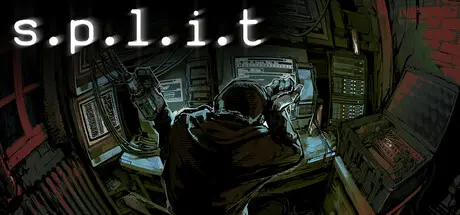
August 31, 20251 yr s.p.l.i.t Game DetailsRelease Name: s.p.l.i.tGame Version: v1.009 | Build 19358723Release Date: 24 Jul, 2025Publisher: Mike Klubnika, Oro InteractiveDeveloper: Mike KlubnikaBased On: CSF & Goldbergs.p.l.i.t Direct Download - Game Overview"s.p.l.i.t" is a short narrative driven horror game, with a focus on raw terminal hacking using various commands.Throughout the game, you chat with your fellow technicians in order to plan and execute a malware attack. Regardless of the outcome, your story won't be told for decades.Will you hold up your end?s.p.l.i.t Screenshots s.p.l.i.t Trailers.p.l.i.t System Requirements Minimum RequirementsRecommended Requirements OSWindows 8/10/11Windows 10/11 ProcessorIntel Core i5-4460AMD Ryzen 5 2600X Memory4 GB RAM8 GB RAM GraphicsGTX 780GTX 1060 3GB DirectXVersion 11Version 11 Storage400 MB available space400 MB available space How to Install s.p.l.i.tNo Installation Needed: The game is pre-installed. Just download and extract.Extract: Right-click the .zip or .rar file and select "Extract Here" or "Extract to folder".Run: Find split_Windows/split.exe inside the folder and run it.Game Data & SettingsChange Language: Edit the file located at steam_settings/Configs.user.iniImportant NotesTo support the Game Developer, Get It On Steam.🔥DOWNLOAD AREA🔥🔹190.86 MB🔹Select the server you want to download with ZeiLink.Download





Create an account or sign in to comment