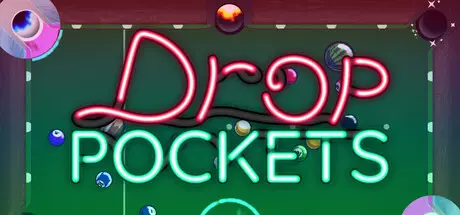
August 23, 20251 yr Drop Pockets Game DetailsRelease Name: Drop PocketsGame Version: v0.77.11 | Build 19615338Release Date: 8 Aug, 2025Publisher: Children of MadnessDeveloper: Children of MadnessBased On: CSF & GoldbergDrop Pockets Direct Download - Game OverviewThere's a lot more to Drop Pockets than just pool balls. From hockey pucks to the planet Jupiter, each ball has the power to carry your run or stop it dead in its tracks.Pool Sharks wait at the end of every round, ready to cut your run short by applying new rules to the table. By changing physics, adding obstacles, or just flooding the table with balls, these bosses demand your best.Rack up your points and get rich quick with items and upgrades. Combine dozens of Chalks, Racks, and Cues for many potential builds and ride your highs to success in Drop Pockets! Drop Pockets Screenshots Drop Pockets TrailerDrop Pockets System Requirements Minimum RequirementsRecommended Requirements OSWindows 10Windows 10 64-bit ProcessorQuad Core 2.6 GHzIntel Core i5 or AMD equivalent Memory2 GB RAM2 GB RAM GraphicsNVIDIA GTX 750- DirectX-- Storage2 GB available space2 GB available space How to Install Drop PocketsNo Installation Needed: The game is pre-installed. Just download and extract.Extract: Right-click the .zip or .rar file and select "Extract Here" or "Extract to folder".Run: Find Drop Pockets.exe inside the folder and run it.Game Data & SettingsChange Language: Edit the file located at steam_settings/Configs.user.iniSave Data Location: %USERPROFILE%/AppData/Roaming/Children of Madness\Drop PocketsImportant NotesTo support the Game Developer, Get It On Steam.🔥DOWNLOAD AREA🔥🔹611 MB🔹Select the server you want to download with ZeiLink.Download





Create an account or sign in to comment