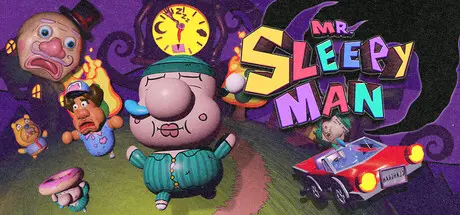
March 12Mar 12 Mr. Sleepy Man Game DetailsRelease Name: Mr. Sleepy ManGame Version: Build 22297619Release Date: 10 Mar, 2026Publisher: Devin Santi, Monster TheaterDeveloper: Devin SantiBased On: CSF & GoldbergMr. Sleepy Man Direct Download - Game OverviewIn Mr. Sleepy Man, you play as a sleepy guy who's up way past his bedtime and out of control!The citizens of Bedtime Town don’t stand a chance! Make a mess of everything you find and turn the entire town against you!Mr. Sleepy Man features a fully expressive 3D platformer moveset. Jump, glide, and dive your way through interconnected levels that encourage exploration and experimentation.Interactivity is key! You can pick up and play with every item you find. You’ll need to use the environment to your advantage if you want to create chaos and find every secret this game has to offer!Mr. Sleepy Man Screenshots Mr. Sleepy Man TrailerMr. Sleepy Man System Requirements Minimum RequirementsRecommended Requirements OSWindows 10Windows 10 Processor-- Memory16 GB RAM16 GB RAM GraphicsGTX 750GTX 1080 DirectXVersion 10- Storage3 GB available space3 GB available space How to Install Mr. Sleepy ManNo Installation Needed: The game is pre-installed. Just download and extract.Extract: Right-click the .zip or .rar file and select "Extract Here" or "Extract to folder".Run: Find Mr Sleepy Man.exe inside the folder and run it.Game Data & SettingsChange Language: Edit the file located at steam_settings/Configs.user.iniSave Data Location: %USERPROFILE%/AppData/LocalLow/Devin Santi/Mr Sleepy ManImportant NotesTo support the Game Developer, Get It On Steam.🔥DOWNLOAD AREA🔥🔹1.10 GB🔹Select the server you want to download with ZeiLink.Download





Create an account or sign in to comment