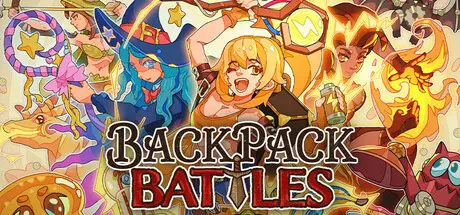
August 5, 20251 yr Backpack Battles Game DetailsRelease Name: Backpack BattlesGame Version: v1.1.4 | Build 23043320Release Date: 13 Jun, 2025Publisher: IndieArk, Shochiku (Japan)Developer: PlayWithFurciferBased On: CSF & GoldbergBackpack Battles Direct Download - Game OverviewIn Backpack Battles, you fight with your backpack full of items. It matters what you buy, and especially how you place it! The smarter you place your items, the stronger you will be!Items come in different shapes, sizes, prices, and rarities. Combine them into even stronger equipment.Brew a powerful potion, craft a legendary weapon, or hatch a dragon friend!There are over 500 different items to choose from!Face the builds of other players in different game modes:Unranked: Low pressure without timersRanked: Gain points against equal opponents, but still at your own paceCustom rules: Play unranked but change gold, maximum health, and moreLobbies: Match friends or streamers live with a timer!See what they came up with, and counter them.Backpack Battles Screenshots Backpack Battles TrailerBackpack Battles System Requirements Minimum RequirementsRecommended Requirements OSWindows 10- ProcessorDual Core 2 GHz- Memory1 GB RAM- GraphicsGTX 1060 3G- DirectX-- Storage300 MB available space- How to Install Backpack BattlesNo Installation Needed: The game is pre-installed. Just download and extract.Extract: Right-click the .zip or .rar file and select "Extract Here" or "Extract to folder".Run: Find BackpackBattles.exe inside the folder and run it.Game Data & SettingsChange Language: Edit the file located at steam_settings/Configs.user.iniSave Data Location: %USERPROFILE%/AppData/Roaming/Godot/app_userdata/Backpack Battles/Important NotesTo support the Game Developer, Get It On Steam.🔥DOWNLOAD AREA🔥🔹267 MB🔹Select the server you want to download with ZeiLink.Download





Create an account or sign in to comment