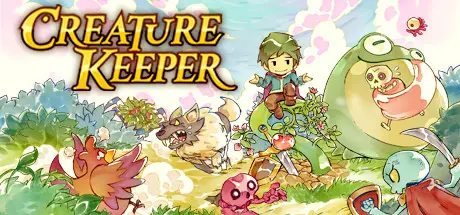
July 22, 20251 yr Creature Keeper Game DetailsRelease Name: Creature KeeperGame Version: v1.5.3 | Build 20033111Release Date: 8 May, 2025Publisher: Graffiti GamesDeveloper: Fervir GamesBased On: CSFCreature Keeper Direct Download - Game OverviewAssemble your dream team by befriending a variety of unique Creatures to fight alongside you in real time. Choose your Creatures wisely to best handle any challenge that stands in your way!Create powerful, diverse, and stylish playstyles through gameplay-altering skill gems, perks, weapons and more while looking the part with tons of hats to dress your Creatures up in.Use your Pocket Garden to grow food and create helpful Connection Bonuses for your Creatures in an engaging organization mini-game.Fill out your Bestiary on the fifty unique Creatures in Thera to unlock powerful buffs and items for your party.Explore the vast world of Thera and all its secrets as you take on your quest of destiny.Creature Keeper Screenshots Creature Keeper TrailerCreature Keeper System Requirements Minimum RequirementsRecommended Requirements OSWindows XP Service Pack 3 or newerWindows 7 or newer Processor1 GHz Processor2 GHz dual-core processor Memory512 MB RAM2 GB RAM GraphicsA NVIDIA or AMD graphics card with latest drivers.A NVIDIA or AMD graphics card with latest drivers. DirectX-- Storage1 GB available space2 GB available space How to Install Creature KeeperNo Installation Needed: The game is pre-installed. Just download and extract.Extract: Right-click the .zip or .rar file and select "Extract Here" or "Extract to folder".Run: Find CreatureKeeper.exe inside the folder and run it.Game Data & SettingsChange Language: Edit the file located at steam_settings/Configs.user.iniSave Data Location: %USERPROFILE%/AppData/Roaming/CreatureKeeperImportant NotesTo support the Game Developer, Get It On Steam.🔥DOWNLOAD AREA🔥🔹204 MB🔹Select the server you want to download with ZeiLink.Download





Create an account or sign in to comment