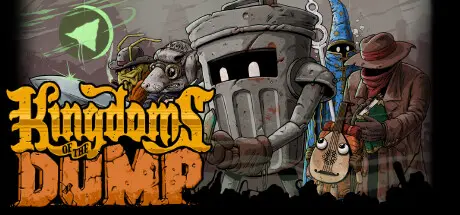
December 13, 2025Dec 13 Kingdoms of the Dump Game DetailsRelease Name: Kingdoms of the DumpGame Version: v1.0.15 | Build 21139530Release Date: 18 Nov, 2025Publisher: Roach GamesDeveloper: Roach Games, Dream Sloth GamesBased On: CSF & GoldbergKingdoms of the Dump Direct Download - Game OverviewWelcome to the Lands of Fill!Kingdoms of the Dump is an SNES styled RPG set in a fantasy world of garbage, dreamed up by two full-time janitors.Join Dustin Binsley, the Trash Can Knight, as he travels across the five and half Kingdoms of the Dump. Fight fearsome, filthy foes, brave dangerous, dank dungeons, and take on the totally disgusting toxic grimelin army to save the Dump from all out war!- Turn based, grid combat- Timed Hits and no random encounters- Jumping/Platforming/Elevation (No small bush that blocks a path off that you could easily jump over)- Character Swapping on the field with unique abilities (Rust, Climb, Gun, Bubble, etc.)- Explore a Large Mode 7 World Map- A unique setting with creative environments and bossesKingdoms of the Dump Screenshots Kingdoms of the Dump TrailerKingdoms of the Dump System Requirements Minimum RequirementsRecommended Requirements OSWindows 7Windows 10 Processor-- Memory4 GB RAM- GraphicsSupport for OpenGL 2.1- DirectX-- Storage-- How to Install Kingdoms of the DumpNo Installation Needed: The game is pre-installed. Just download and extract.Extract: Right-click the .zip or .rar file and select "Extract Here" or "Extract to folder".Run: Find Launcher.exe inside the folder and run it.Game Data & SettingsChange Language: Edit the file located at steam_settings/Configs.user.iniSave Data Location: %USERPROFILE%/AppData/Roaming/Godot/app_userdata/Kingdoms of the Dump/saves/Important NotesTo support the Game Developer, Get It On Steam.🔥DOWNLOAD AREA🔥🔹732 MB🔹Select the server you want to download with ZeiLink.Download





Create an account or sign in to comment