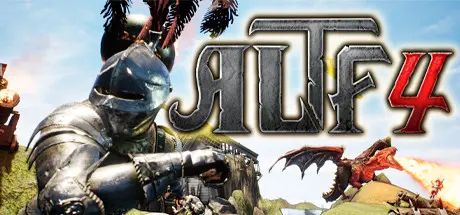
June 14, 20251 yr ALTF4 Game DetailsRelease Name: ALTF4Game Version: Build 21023739Release Date: 12 Nov, 2021Publisher: PUMPKIMDeveloper: PUMPKIMBased On: CSF & GoldbergALTF4 Direct Download - Game OverviewThe Way You Play Games Is Simple!!Become a somewhat clumsy Knight and overcome Trap!!But the way to get there won't be simple.Will you be able to overcome the various traps and irritating terrains in your way?Test your reflexes!There is no SAVE in this game!!It's full of exciting background music and annoying traps!Don't you feel like you can play better next time every time your character dies?The various traps will keep driving you to death!Imagine how good it will feel to overcome those traps and finally clear the game!Once you get your first clear, why don't you aim for clearing the game at one go?You can also play together with Remote Play Together.ALTF4 Screenshots ALTF4 TrailerALTF4 System Requirements Minimum RequirementsRecommended Requirements OSWindows 7 SP1 with Platform Update for Windows 7Windows 10 version 14393.102 or higher ProcessorIntel i5-2550K, 3.4 GHzIntel Core i7-3770, 3.4 GHz Memory4 GB RAM16 GB RAM GraphicsGeForce GTX 670 | Radeon HD 7950GeForce GTX 970 or GeForce GTX 1060 | Radeon R9 290X or Radeon RX 480 DirectXVersion 11- Storage2 GB available space2 GB available space How to Install ALTF4No Installation Needed: The game is pre-installed. Just download and extract.Extract: Right-click the .zip or .rar file and select "Extract Here" or "Extract to folder".Run: Find ALTF4_F.exe inside the folder and run it.Game Data & SettingsChange Language: Edit the file located at steam_settings/Configs.user.iniImportant NotesTo support the Game Developer, Get It On Steam.🔥DOWNLOAD AREA🔥🔹2.97 GB🔹Select the server you want to download with ZeiLink.Download





Create an account or sign in to comment