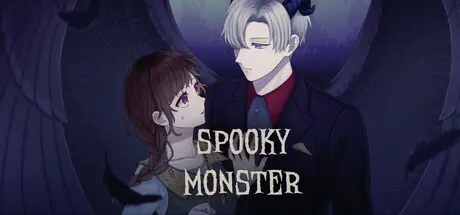
2 hours ago2 hr Spooky Monster Game DetailsRelease Name: Spooky MonsterGame Version: Build 21276635Release Date: 2 Apr, 2026Publisher: VNkaDeveloper: 雉野ハチBased On: CSFSpooky Monster Direct Download - Game OverviewThere's a legend that if you make a wish on a moonlit night near the lake, it can come true. The main heroine, who didn't want to go home, made the wish and found herself in another world filled with creepy yet very charming monsters. Will she be able to fall in love with any of them, or will she return home?Main Features:* Genres: Visual Novel, Otome, Romance, Horror, Fantasy, Isekai, Yandere* Walkthrough: 6 hours.* Six unique endings.* 28 beautiful CGs.* 3 love interests and over 12 characters.Spooky Monster Screenshots Spooky Monster TrailerSpooky Monster System RequirementsMinimum RequirementsRecommended RequirementsOSWindows 10 22H2-ProcessorAMD Athlon 200GE, Intel Celeron 6305-Memory1 GB RAM-Graphics--DirectXVersion 9.0-Storage100 MB available space-How to Install Spooky MonsterNo Installation Needed: The game is pre-installed. Just download and extract.Extract: Right-click the .zip or .rar file and select "Extract Here" or "Extract to folder".Run: Find SpookyMonster.exe inside the folder and run it.Game Data & SettingsImportant NotesTo support the Game Developer, Get It On Steam.🔥DOWNLOAD AREA🔥🔹71 MB🔹Select the server you want to download with ZeiLink.Download





Create an account or sign in to comment