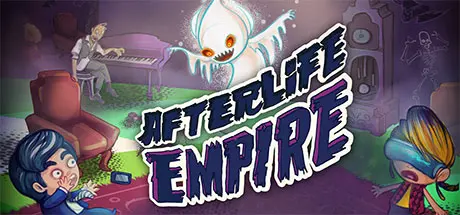
September 1Sep 1 Afterlife Empire Game DetailsRelease Name: Afterlife EmpireGame Version: Build 824116Release Date: 21 Aug, 2015Publisher: The Fine Young CapitalistsDeveloper: Autobotika, Game Nation IncBased On: CSF & GoldbergAfterlife Empire Direct Download - Game Overview Hey, you just died. But don't worry! All the major religions were wrong! Instead of ascending to a new plane of existence, you are now self-employed in the Afterlife with your own haunted house to run. Keep people just scared enough to keep believing in you, but not enough to alert the local authorities and you'll be able to live forever and maybe get your own reality show. Afterlife Empire was designed and written by Danielle Maiorino, created by Autobotika, published by The Fine Young Capitalists and funded by the gaming community. Enjoy a game with a diverse cast of all different races, religion and creeds funded by Gamergate and /v/Profits from the game will be given to charity to prevent colon cancer, provide scholarship and awards to up and coming game developers and other projects that show how amazing the gaming community can be. So stay awhile and create your own Afterlife Empire and see how amazing Gamers and the gaming community can be.This game was developed with the help of Jeff Preyra and his company Game Nation Inc.Afterlife Empire Screenshots Afterlife Empire System RequirementsMinimum RequirementsRecommended RequirementsOSWindows 7-Processor--Memory2 GB RAM-GraphicsOpenGL Version 3.2-DirectX--Storage400 MB available space-How to Install Afterlife EmpireNo Installation Needed: The game is pre-installed. Just download and extract.Extract: Right-click the .zip or .rar file and select "Extract Here" or "Extract to folder".Run: Find Afterlife Empire.exe inside the folder and run it.Important NotesTo support the Game Developer, Get It On Steam.🔥DOWNLOAD AREA🔥🔹237 MB🔹Select the server you want to download with ZeiLink.Download





Create an account or sign in to comment