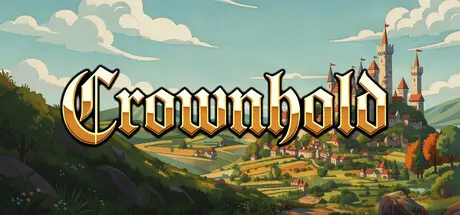
August 19Aug 19 Crownhold Game DetailsRelease Name: CrownholdGame Version: v1.0.2 | Build 24816800Release Date: 17 Aug, 2026Publisher: Tobias MikulaDeveloper: Tobias MikulaBased On: CSF & GoldbergCrownhold Direct Download - Game OverviewCrownhold is a beautiful incremental game that doesn't overstay its welcome. Start with a small castle and expand your realm.Conquer your foes and grow the kingdom beyond its borders.Find trading partners, friends… and enemies. Prosperity attracts all kinds of company.Lead your kingdom and forge the most powerful empire the world has ever known!Start over stronger. Unlock a powerful meta-progression system and carry bonuses into your next run.Crownhold Screenshots Crownhold TrailerCrownhold System RequirementsMinimum RequirementsRecommended RequirementsOSWindows 10-Processor2.5GHZ Dual Core-Memory4 GB RAM-Graphics512MB-DirectX--Storage200 MB available space-How to Install CrownholdNo Installation Needed: The game is pre-installed. Just download and extract.Extract: Right-click the .zip or .rar file and select "Extract Here" or "Extract to folder".Run: Find Launcher.exe inside the folder and run it.Game Data & SettingsChange Language: Edit the file located at steam_settings/Configs.user.iniSave Data Location: %USERPROFILE%/AppData/Roaming/CrownholdImportant NotesTo support the Game Developer, Get It On Steam.🔥DOWNLOAD AREA🔥🔹134 MB🔹Select the server you want to download with ZeiLink.Download





Create an account or sign in to comment