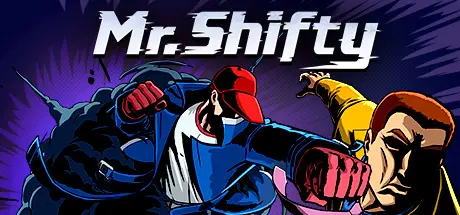
July 28Jul 28 Mr. Shifty Game DetailsRelease Name: Mr. ShiftyGame Version: v1.0.5 | Build 1856418Release Date: 13 Apr, 2017Publisher: tinyBuildDeveloper: Team ShiftyBased On: CSF & GoldbergMr. Shifty Direct Download - Game OverviewTeleport, shift through bullets, and master lightning-fast takedowns in an all new kind of action game from tinyBuild and Team Shifty!Shift through walls, through bullets, cover huge distances and be everywhere at onceOne shot kills. Survive on skills.Use distraction, trickery, explore what's possible when stealth and action become one!Toy with enemies, laugh as they use doors to enter roomsUnderestimate enemies, and cry as they use group tactics to outsmart ShiftyMr. Shifty Screenshots Mr. Shifty TrailerMr. Shifty System Requirements Minimum RequirementsRecommended Requirements OSWindows 7/8/8.1/10- ProcessorDual-Core Intel or AMD processor- Memory2 GB RAM- GraphicsNVIDIA GeForce 650 GTX / AMD Radeon 7850 HD series card- DirectXVersion 9.0c- Storage2 GB available space- How to Install Mr. ShiftyNo Installation Needed: The game is pre-installed. Just download and extract.Extract: Right-click the .zip or .rar file and select "Extract Here" or "Extract to folder".Run: Find MrShifty.exe inside the folder and run it.Game Data & SettingsChange Language: Edit the file located at steam_settings/Configs.user.iniImportant NotesTo support the Game Developer, Get It On Steam.🔥DOWNLOAD AREA🔥🔹1.29 GB🔹Select the server you want to download with ZeiLink.Download





Create an account or sign in to comment