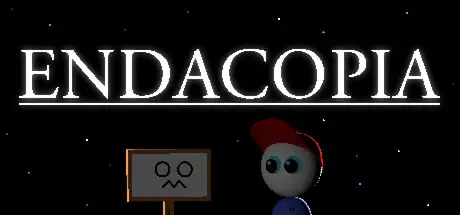
July 27Jul 27 Endacopia Game DetailsRelease Name: EndacopiaGame Version: v1.03 | Build 24461988Release Date: 27 Jul, 2026Publisher: AndylandDeveloper: AndylandBased On: CSF & GoldbergEndacopia Direct Download - Game OverviewWelcome to the world of Endacopia! You're in for a surreal Point and Click Adventure full of unsolved mysteries, abstract puzzles, hostile monsters, and horrors that lurk in the shadows... if tampered with, of course. You'll be guiding a young boy named Mellow who has lost all his senses in an attempt to escape an uncomfortable home.First and foremost, you'll need a functional keyboard and mouse to play this game. Once you've taken care of that, prepare yourself to use your brain for the following scenarios:Decide which area to explore next in whichever order you'd like.Use Mellow's bare fists to block, dodge, and punch monsters in first person perspective.Have conversations with strange individuals who may or may not help you on your quests.Fill your pockets with tools, toys, gadgets, and trash.Try your luck at a variety of mini-games.Gaze at an abundance of animated background gags. Uncover disturbing secrets that were probably better left hidden.Endacopia Screenshots Endacopia TrailerEndacopia System Requirements Minimum RequirementsRecommended Requirements OSWindows® 7 32/64-bit / Vista 32/64 / XP- ProcessorPentium 4 3.0GHz- Memory2 GB RAM- GraphicsVideo card with 128 MB, Shader model 2.0. ATI X800, NVidia 6600 or better- DirectXVersion 9.0c- Storage2 GB available space- How to Install EndacopiaNo Installation Needed: The game is pre-installed. Just download and extract.Extract: Right-click the .zip or .rar file and select "Extract Here" or "Extract to folder".Run: Find Windows/Endacopia.exe inside the folder and run it.Game Data & SettingsChange Language: Edit the file located at steam_settings/Configs.user.iniImportant NotesTo support the Game Developer, Get It On Steam.🔥DOWNLOAD AREA🔥🔹1.42 GB🔹Select the server you want to download with ZeiLink.Download





Create an account or sign in to comment