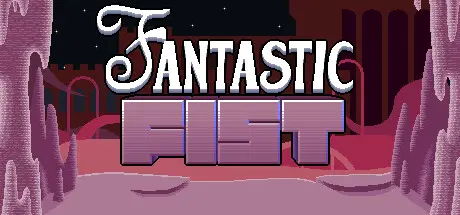
July 27Jul 27 Fantastic Fist Game DetailsRelease Name: Fantastic FistGame Version: Build 20242523Release Date: 28 Feb, 2024Publisher: 100th CoinDeveloper: 100th CoinBased On: CSF & GoldbergFantastic Fist Direct Download - Game Overview Fantastic Fist is a platforming game focused on simultaneous keyboard and mouse controls. While the character can be moved around with the keyboard, the mouse can be used to interact with the environment by punching with a giant fist.Hidden CollectiblesMassive variety in objects you can punchChallenging bonus levelsBoxes that have faces on them and sometimes hatsFantastic Fist Screenshots Fantastic Fist TrailerFantastic Fist System Requirements Minimum RequirementsRecommended Requirements OSWindows 7 SP1+Windows 7 SP1+ ProcessorX64 architecture with SSE2 instruction set supportX64 architecture with SSE2 instruction set support Memory-- GraphicsGraphics card with DX10 (shader model 4.0) capabilities.Graphics card with DX10 (shader model 4.0) capabilities. DirectX-- Storage100 MB available space100 MB available space How to Install Fantastic FistNo Installation Needed: The game is pre-installed. Just download and extract.Extract: Right-click the .zip or .rar file and select "Extract Here" or "Extract to folder".Run: Find Fantastic Fist.exe inside the folder and run it.Game Data & SettingsChange Language: Edit the file located at steam_settings/Configs.user.iniImportant NotesTo support the Game Developer, Get It On Steam.🔥DOWNLOAD AREA🔥🔹228 MB🔹Select the server you want to download with ZeiLink.Download
July 31Jul 31 Thank you so much! I've been looking for this for way too long, and this is the first working version I've found!





Create an account or sign in to comment