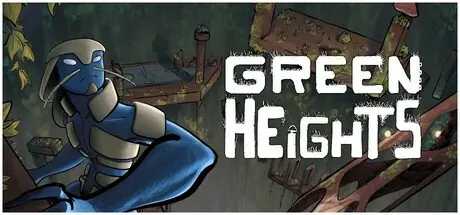
July 23Jul 23 Green Heights Game DetailsRelease Name: Green HeightsGame Version: Build 19067174Release Date: 5 May, 2025Publisher: Samuel DufourDeveloper: Samuel DufourBased On: CSF & GoldbergGreen Heights Direct Download - Game OverviewGreen Heights is a first person vertical precision platformer with smooth and satisfying movement. Set in a unique terrarium like environment climb the tower and reach the top.Falling down is inevitable, every mistake is a lesson learned that you can use to climb even faster. Lots of shortcut are available in the tower, discover them to beat your personal best!Key FeaturesFluid and responsive movementAtmospheric terrarium vegetationRun, Jumps, climb and bounce your way to the topDiscover shortcutLeaderboardPersonal best time Ghost racingGreen Heights Screenshots Green Heights TrailerGreen Heights System Requirements Minimum RequirementsRecommended Requirements OS710 ProcessorIntel i5Intel i7 Memory400 MB RAM500 MB RAM GraphicsNVIDIA GeForce GTX 760NVIDIA GeForce GTX 760 DirectX-- Storage700 MB available space700 MB available space How to Install Green HeightsNo Installation Needed: The game is pre-installed. Just download and extract.Extract: Right-click the .zip or .rar file and select "Extract Here" or "Extract to folder".Run: Find VerticalPlatformer3D.exe inside the folder and run it.Game Data & SettingsChange Language: Edit the file located at steam_settings/Configs.user.iniImportant NotesTo support the Game Developer, Get It On Steam.🔥DOWNLOAD AREA🔥🔹453 MB🔹Select the server you want to download with ZeiLink.Download





Create an account or sign in to comment