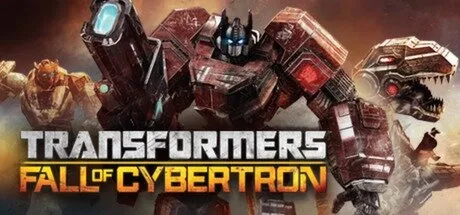
January 25Jan 25 Transformers: Fall of Cybertron Game DetailsRelease Name: Transformers: Fall of CybertronGame Version: Build 12831Publisher: ActivisionBased On: CSF & PLAZA + GoldbergTransformers: Fall of Cybertron Direct Download - Game OverviewTransformers: Fall of Cybertron is an action-packed third-person shooter that continues the epic war between the Autobots and Decepticons on the planet Cybertron. Featuring cinematic storytelling, intense combat, and iconic characters like Optimus Prime, Grimlock, and Megatron, the game delivers a fast-paced sci-fi experience with both single-player and multiplayer modes. Fall of Cybertron is praised for its deep narrative and polished gameplay, making it a must-play for Transformers fans.Transformers: Fall of Cybertron ScreenshotsTransformers: Fall of Cybertron TrailerTransformers: Fall of Cybertron System RequirementsOSWindows XP / Vista / Windows 7ProcessorIntel Core 2 Duo 2.6 GHz or AMD Phenom X3 8750Memory2 GBGraphicsNVIDIA GeForce 8800 GT or ATI Radeon HD 4850 (512 MB VRAM)DirectXVersion 9.0cStorage10 GBHow to Install Transformers: Fall of CybertronNo Installation Needed: The game is pre-installed. Just download and extract.Extract: Right-click the .zip or .rar file and select "Extract Here" or "Extract to folder".Run: Find Binaries/TFOC.exe inside the folder and run it (Run as Administrator recommended).Game Data & SettingsChange Language: Copy the language file you want from the LANGUAGES folder to the game folder.🔥DOWNLOAD AREA🔥🔹7.94 GB🔹Select the server you want to download with ZeiLink.Download





Create an account or sign in to comment