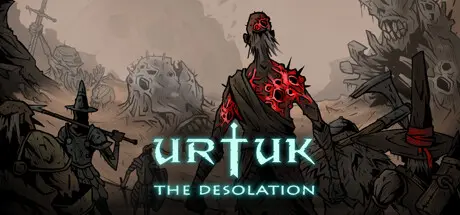
July 12Jul 12 Urtuk: The Desolation Game DetailsRelease Name: Urtuk: The DesolationGame Version: v1.0.0.91 | Build 7768818Release Date: 27 Feb, 2021Publisher: David KaletaDeveloper: David KaletaBased On: CSFUrtuk: The Desolation Direct Download - Game Overview Urtuk is an open world, tactical turn-based RPG in a low-fantasy setting.Guide your band of adventurers through the ruins of an ancient world. Recruit new followers, loot the corpses of your fallen foes, and do your best to survive in this harsh and unforgiving realm.Survival RPG with focus on combat and open-world exploration in a dark fantasy settingTurn-based, tactically rich combat on large maps, with multiple environmental factors and a carefully crafted class/skill systemProcedurally generated survival campaignExtract character upgrades directly from your fallen enemiesAll graphical assets are hand drawn, from characters, monsters and objects, to the world map and battlefieldsRam your enemies onto spikes or over high cliffs! Shield your allies and counterattack your enemies when they strike. Use your archers for ranged support while performing melee attacks. Or execute one of many possible combo attacks!Ram your enemies into environmental hazardsOff you go!Urtuk: The Desolation Screenshots Urtuk: The Desolation TrailerUrtuk: The Desolation System Requirements Minimum RequirementsRecommended Requirements OSWindows XP, Windows Vista, Windows 7, Windows 8, Windows 10Windows XP, Windows Vista, Windows 7, Windows 8, Windows 10 Processor2.0 Ghz2+ Ghz Memory2 GB RAM2 GB RAM GraphicsOpenGL 2.0 compatible video card with 256 MBOpenGL 2.0 compatible video card with 256 MB DirectX-- Storage600 MB available space600 MB available space How to Install Urtuk: The DesolationNo Installation Needed: The game is pre-installed. Just download and extract.Extract: Right-click the .zip or .rar file and select "Extract Here" or "Extract to folder".Run: Find urtuk.exe inside the folder and run it.Important NotesTo support the Game Developer, Get It On Steam.🔥DOWNLOAD AREA🔥🔹719 MB🔹Select the server you want to download with ZeiLink.Download





Create an account or sign in to comment