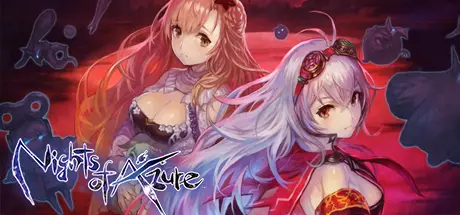
June 6Jun 6 Nights of Azure Game DetailsRelease Name: Nights of AzureGame Version: v1.03 | Build 7216495Release Date: 7 Feb, 2017Publisher: KOEI TECMO GAMES CO., LTD.Developer: KOEI TECMO GAMES CO., LTD.Based On: CSF & GoldbergNights of Azure Direct Download - Game OverviewSave the world or the life of one girl... I decide my destiny! The world was once ruled by the Nightlord. In that world lived a Saint, destined to become a sacrifice to the Nightlord, and a Holy Knight, with the power to use Servans. The meeting of the girls changed the fate of the world. Take your Servans and fight accross "The Land Without Night" for the one you love!Nights of Azure Screenshots Nights of Azure TrailerNights of Azure System Requirements Minimum RequirementsRecommended Requirements OSWindows® 10 (64bit required)Windows® 10 (64bit required) ProcessorCore i5 2.6GHzCore i7 3.4GHz Memory4 GB RAM8 GB RAM GraphicsNVIDIA GeForce GTX550TiNVIDIA GeForce GTX960 DirectXVersion 11Version 11 Storage6 GB available space6 GB available space How to Install Nights of AzureNo Installation Needed: The game is pre-installed. Just download and extract.Extract: Right-click the .zip or .rar file and select "Extract Here" or "Extract to folder".Run: Find CNNLauncher.exe inside the folder and run it.Game Data & SettingsChange Language: Edit the file located at steam_settings/Configs.user.iniImportant NotesTo support the Game Developer, Get It On Steam.🔥DOWNLOAD AREA🔥🔹5.60 GB🔹Select the server you want to download with ZeiLink.Download





Create an account or sign in to comment