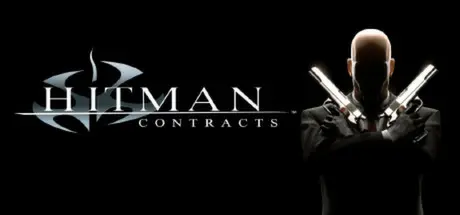
May 31May 31 Hitman: Contracts Game DetailsRelease Name: Hitman: ContractsGame Version: v2.0.0.11Release Date: 21 Jan, 2014Publisher: Io-Interactive A/SDeveloper: Io-Interactive A/SBased On: GOGHitman: Contracts Direct Download - Game OverviewEnter the world of a HITMAN - a world of crime, sin and greed. Delve into the mind of Agent 47 and encounter his greatest adversaries, completing the work that made him so brutally efficient and shaped him as an assassin. Eliminate your targets by any means necessary.Travel the globe eliminating international terrorists and crime bosses from your hit list.Complete your mission objectives with a wider variety of tactical approaches.Improvise on the job, picking up disguises and environmental objects to use as weapons.Advanced enemy intelligence uses squad-based tactics to try and stop you.Hitman: Contracts Screenshots Hitman: Contracts TrailerHitman: Contracts System Requirements Minimum RequirementsRecommended Requirements OSWindows 98/2000/ME/XP- ProcessorPentium III 800MHz- Memory256 MB RAM- Graphics100% DirectX 8.1 compatible 3D accelerator video card with at least 32Mb RAM- DirectXVersion 8.1- Storage2 GB available space- How to Install Hitman: ContractsNo Installation Needed: The game is pre-installed. Just download and extract.Extract: Right-click the .zip or .rar file and select "Extract Here" or "Extract to folder".Run: Find HitmanContracts.exe inside the folder and run it.Important NotesTo support the Game Developer, Get It On Steam.🔥DOWNLOAD AREA🔥🔹833 MB🔹Select the server you want to download with ZeiLink.Download





Create an account or sign in to comment