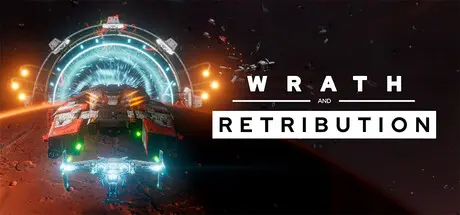
May 28May 28 Wrath and Retribution Game DetailsRelease Name: Wrath and RetributionGame Version: v1.2.2 | Build 23394171Release Date: 2 Apr, 2026Publisher: Mad Vulture GamesDeveloper: Mad Vulture GamesBased On: CSFWrath and Retribution Direct Download - Game OverviewWrath and Retribution is an intense, high-speed space combat roguelike where every mission forges you into an unstoppable force.The Remnants have seized the solar system’s transit network in a single coordinated strike - and you are spearheading the counter attack.You are Specter One, pilot of the Retribution, a one-of-a-kind prototype armed with the experimental Specter Drive and its signature displacement dash that lets you tear through enemy fleets with brutal precision.Earn powerful weapons and upgrades with every engagement, build devastating synergies with your companion Merlin, and grow more lethal with every run.Wrath and Retribution Screenshots Wrath and Retribution TrailerWrath and Retribution System Requirements Minimum RequirementsRecommended Requirements OSWindows 10- ProcessorIntel Core i5 or Ryzen 5 2600- Memory8 GB RAM- Graphics-- DirectX-- Storage4 GB available space- How to Install Wrath and RetributionNo Installation Needed: The game is pre-installed. Just download and extract.Extract: Right-click the .zip or .rar file and select "Extract Here" or "Extract to folder".Run: Find Wrath and Retribution.exe inside the folder and run it.Game Data & SettingsChange Language: Edit the file located at steam_settings/Configs.user.iniImportant NotesTo support the Game Developer, Get It On Steam.🔥DOWNLOAD AREA🔥🔹2.09 GB🔹Select the server you want to download with ZeiLink.Download





Create an account or sign in to comment