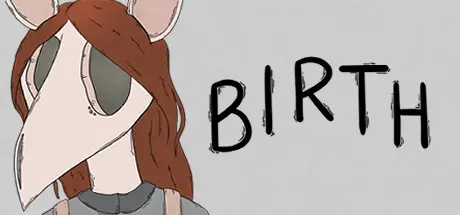
May 23May 23 Birth Game DetailsRelease Name: BirthGame Version: v1.4.0 | Build 11761694Release Date: 17 Feb, 2023Publisher: Madison KarrhDeveloper: Madison KarrhBased On: CSF & GoldbergBirth Direct Download - Game OverviewBirth is an adventure game about constructing a creature from spare bones & organs found around the city in order to quell your loneliness. Collect bones & organs in hand-drawn museums, coffee shops, alleys, flower shops, libraries, markets, bakeries and more.Solve physics-based puzzles & interact with unique, interesting creatures.Find & spend hidden tokens to discover secrets.Birth Screenshots Birth TrailerBirth System Requirements Minimum RequirementsRecommended Requirements OSWindows 7- Processor1.8 GHz- Memory-- GraphicsDirect X 9.0c- DirectXVersion 9.0c- Storage2 GB available space- How to Install BirthNo Installation Needed: The game is pre-installed. Just download and extract.Extract: Right-click the .zip or .rar file and select "Extract Here" or "Extract to folder".Run: Find Birth.exe inside the folder and run it.Game Data & SettingsChange Language: Edit the file located at steam_settings/Configs.user.iniSave Data Location: %USERPROFILE%/AppData/LocalLow/Madison Karrh/birth/Important NotesTo support the Game Developer, Get It On Steam.🔥DOWNLOAD AREA🔥🔹319 MB🔹Select the server you want to download with ZeiLink.Download





Create an account or sign in to comment