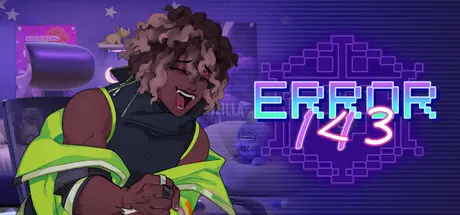
May 20May 20 ERROR143 Game DetailsRelease Name: ERROR143Game Version: Build 24176785Release Date: 26 Jul, 2022Publisher: Jenny Vi PhamDeveloper: Jenny Vi PhamBased On: CSF & GoldbergERROR143 Direct Download - Game OverviewA bickering and bantering rivals-to-lovers hacking game!Your rival just bested you in a hacking competition. Were you going to be a sane person and let that slide? HECK NO! You hack into his database and leave him a little message, proving your superiority. --but what's this? He's hacked you back? Well, two can play this game.ERROR143 Screenshots ERROR143 TrailerERROR143 System Requirements Minimum RequirementsRecommended Requirements OSWindows 10 (64-bit)Windows 10 / 11 (64-bit) Processor2.0 GHz Dual-CoreIntel Core i3 / AMD Ryzen 3 or higher Memory2 GB RAM4 MB RAM GraphicsDirectX 10 / OpenGL 3.0 compatibleDirectX 11 / OpenGL 3.0 compatible DirectX-- Storage5 GB available space5 GB available space How to Install ERROR143No Installation Needed: The game is pre-installed. Just download and extract.Extract: Right-click the .zip or .rar file and select "Extract Here" or "Extract to folder".Run: Find ERROR143.exe inside the folder and run it.Game Data & SettingsChange Language: Edit the file located at steam_settings/Configs.user.iniImportant NotesTo support the Game Developer, Get It On Steam.DLC ListAdded DLCsERROR143 - Night 7ERROR143 - Day 8ERROR143 - Day 7ERROR143 - Day 6ERROR R34 (ERROR R143 - ERROR R34)ERROR143 - Day 5🔥DOWNLOAD AREA🔥🔹3.60 GB🔹Select the server you want to download with ZeiLink.Download
July 14Jul 14 Author 23 hours ago, blueblur1986 said:I am requesting an update for new DLCs through Day 8, please.Added now.





Create an account or sign in to comment