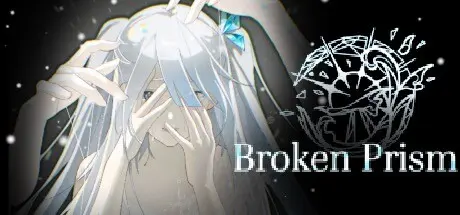
May 14May 14 破碎棱镜 Broken Prism Game DetailsRelease Name: 破碎棱镜 Broken PrismGame Version: v12.3 | Build 21038223Release Date: 16 Mar, 2025Publisher: 白鸢尾剧团Developer: 白鸢尾剧团Based On: CSF & Goldberg破碎棱镜 Broken Prism Direct Download - Game OverviewSynopsis:A torrential rain shattered the planet’s peaceful daily life.Mutated Fission Beings ran rampant.The Balancers, who possessed supernatural powers, were known as:“Philimathia”Beneath the lighthouse lies a mysterious black ocean, as lustrous as oreAn island-like sanctuary at the center of the Black Sea破碎棱镜 Broken Prism Screenshots 破碎棱镜 Broken Prism System RequirementsMinimum RequirementsRecommended RequirementsOSwin7-Processor2.0 GHz-Memory8 GB RAM-GraphicsOpenGL 3.0-DirectX--Storage10 GB available space-How to Install 破碎棱镜 Broken PrismNo Installation Needed: The game is pre-installed. Just download and extract.Extract: Right-click the .zip or .rar file and select "Extract Here" or "Extract to folder".Run: Find 破碎棱镜.exe inside the folder and run it.Game Data & SettingsChange Language: Edit the file located at steam_settings/Configs.user.iniImportant NotesTo support the Game Developer, Get It On Steam.🔥DOWNLOAD AREA🔥🔹1.97 GB🔹Select the server you want to download with ZeiLink.Download





Create an account or sign in to comment