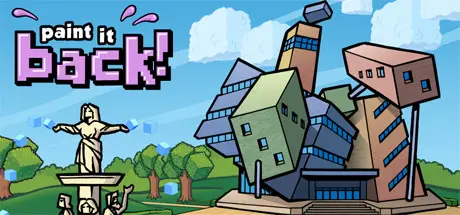
May 7May 7 Paint it Back Game DetailsRelease Name: Paint it BackGame Version: Build 1335234Release Date: 14 Oct, 2015Publisher: Casual LabsDeveloper: Casual LabsBased On: CSF & GoldbergPaint it Back Direct Download - Game OverviewThe art has disappeared from the gallery! Can you paint it back? Recreate lost works of pixel art by using brainpower.Use logic as your paintbrush to solve each painting's unique puzzle.Featuring:150 paintings to solve!15 rooms to unlock.20 achievements.Logic puzzles similar to picross, sudoku, nonograms, paint by numbers and griddlers.Endless "Mystery Masterpiece" challenge mode.Play paintings in Normal, Pro and Master difficulty modes. Undo and redo buttons.6 player profiles on one computer (the whole family/commune/coven can play!)Steam cloud and achievements.Play with mouse, keyboard or game controller. Also great on touchscreen PCs!Hours of puzzley fun!Paint it Back Screenshots Paint it Back TrailerPaint it Back System Requirements Minimum RequirementsRecommended Requirements OSXP / Vista / 7 / 8 / 10XP / Vista / 7 / 8 / 10 ProcessorIntel Pentium M 1.7GHzIntel Core 2 Duo Memory1 GB RAM2 GB RAM GraphicsAny 3D capable cardAny 3D capable card DirectXVersion 9.0cVersion 9.0c Storage195 MB available space195 MB available space How to Install Paint it BackNo Installation Needed: The game is pre-installed. Just download and extract.Extract: Right-click the .zip or .rar file and select "Extract Here" or "Extract to folder".Run: Find Launcher.exe inside the folder and run it.Game Data & SettingsChange Language: Edit the file located at steam_settings/Configs.user.iniImportant NotesTo support the Game Developer, Get It On Steam.🔥DOWNLOAD AREA🔥🔹113 MB🔹Select the server you want to download with ZeiLink.Download





Create an account or sign in to comment