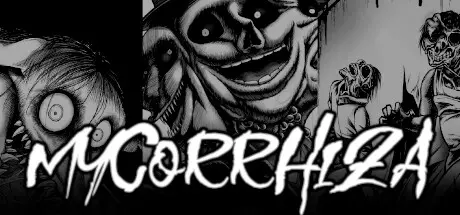
April 21Apr 21 Mycorrhiza Game DetailsRelease Name: MycorrhizaGame Version: Build 13281927Release Date: 30 Sep, 2022Publisher: Tim ReichertDeveloper: Distorted Wanderers, Tim ReichertBased On: CSF & GoldbergMycorrhiza Direct Download - Game OverviewWelcome to a world of distorted mindsMycorrhiza is a love letter to horror manga in the form of a visual novel. Some of our biggest inspirations include the works of Junji Ito and Masaaki Nakayama.While Scott is trying to find a way back home, reality distorts and people’s morals start shifting in cruel and unexpected ways. A peculiar plant transforming animals, a horrifying comedy trend and a strange building trapping people. Each of the three arcs explores different terrors.As you explore this terrifying world, you'll find out more and more about how and why Scott is trapped in it and what lead up to Scott being spirited away.Three individual, yet interconnected horrifying stories.Writing and art inspired by horror manga's greatest.Animated CGs.Art drawn by a horror manga artist.Elaborate audio implementation.Accessibility options such as visual audio cues and dyslexic font.Mycorrhiza Screenshots Mycorrhiza TrailerMycorrhiza System Requirements Minimum RequirementsRecommended Requirements OSWindows 7- Processor1 Ghz- Memory1 GB RAM- GraphicsDirectX or OpenGL compatible card- DirectX-- Storage850 MB available space- How to Install MycorrhizaNo Installation Needed: The game is pre-installed. Just download and extract.Extract: Right-click the .zip or .rar file and select "Extract Here" or "Extract to folder".Run: Find Mycorrhiza.exe inside the folder and run it.Game Data & SettingsChange Language: Edit the file located at steam_settings/Configs.user.iniImportant NotesTo support the Game Developer, Get It On Steam.🔥DOWNLOAD AREA🔥🔹703 MB🔹Select the server you want to download with ZeiLink.Download





Create an account or sign in to comment