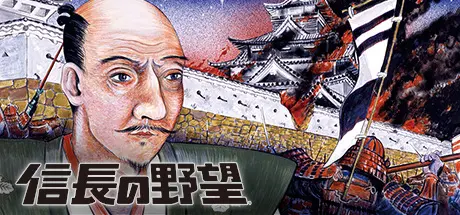
April 19Apr 19 NOBUNAGA'S AMBITION Game DetailsRelease Name: NOBUNAGA'S AMBITIONGame Version: Build 1500360Release Date: 13 Dec, 2016Publisher: KOEI TECMO GAMES CO., LTD.Developer: KOEI TECMO GAMES CO., LTD.Based On: CSF & SteamlessNOBUNAGA'S AMBITION Direct Download - Game Overview To commemorate Kou Shibusawa's 35th anniversary, the "Kou Shibusawa Archives" will be opened in the Steam Store. Here we will revive popular previously released titles. Among the first released will be Nobunaga's Ambition which was first released in 1983. Players assume the mantle of either Nobunaga Oda or Shingen Takeda and strive to conquer the entire land (17 areas in the Kansai and central Japan region). They manage their country to make it rich, then prepare their military forces. These then attack and defeat surrounding Clans in battle.NOBUNAGA'S AMBITION Screenshots NOBUNAGA'S AMBITION System Requirements Minimum RequirementsRecommended Requirements OSWindows® 10 (*Japanese Ver. only)Windows® 10 (*Japanese Ver. only) Processor-1GHz over Memory2 GB RAM2 GB RAM Graphics800x600 pixel over800x600 pixel over DirectX-- Storage20 MB available space20 MB available space How to Install NOBUNAGA'S AMBITIONNo Installation Needed: The game is pre-installed. Just download and extract.Extract: Right-click the .zip or .rar file and select "Extract Here" or "Extract to folder".Run: Find Nobunaga1.exe inside the folder and run it.Game Data & SettingsSave Data Location: %USERPROFILE%/My Documents/Koei/35th/Important NotesTo support the Game Developer, Get It On Steam.🔥DOWNLOAD AREA🔥🔹13 MB🔹Select the server you want to download with ZeiLink.Download





Create an account or sign in to comment