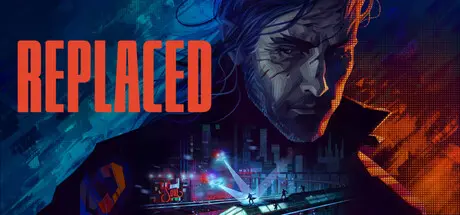
April 14Apr 14 REPLACED Game DetailsRelease Name: REPLACEDGame Version: v1.1.2.0 | Build 23284787Release Date: 14 Apr, 2026Publisher: Thunderful PublishingDeveloper: Sad Cat StudiosBased On: CSF & GoldbergREPLACED Direct Download - Game OverviewREPLACED is a 2.5D cinematic action platformer wrapped in an intense cyberpunk thriller narrative. Run, climb, and fight through crumbling districts, industrial wastelands, and neon-lit alleys with fluid movement and fast, responsive combat. Chain precise melee strikes with satisfying ranged attacks to take down enemies in high-intensity encounters while keeping the flow of exploration.As R.E.A.C.H. grapples with unfamiliar human instincts and the weight of emotion, the city’s hidden power structures gradually come to light. Themes of humanity, identity, and control unfold through morally complex characters and the slow reveal of a world pushed to its limits. Every corner you explore tells a story, and every secret you expose carries a cost.REPLACED Screenshots REPLACED TrailerREPLACED System Requirements Minimum RequirementsRecommended Requirements OSWindows 10 64-bit- ProcessorIntel® Core™ i5-8400 Processor- Memory16 GB RAM- GraphicsGeForce GTX 1060 (6GB) or equivalent- DirectX-- Storage8 GB available space- How to Install REPLACEDNo Installation Needed: The game is pre-installed. Just download and extract.Extract: Right-click the .zip or .rar file and select "Extract Here" or "Extract to folder".Run: Find REPLACED.exe inside the folder and run it.Game Data & SettingsChange Language: Edit the file located at steam_settings/Configs.user.iniSave Data Location: %USERPROFILE%/AppData/LocalLow/SadCatStudios/Replaced/saves/Important NotesNeed help? [Check Detailed Guide]To support the Game Developer, Get It On Steam.🔥DOWNLOAD AREA🔥🔹3.84 GB🔹Select the server you want to download with ZeiLink.Download





Create an account or sign in to comment