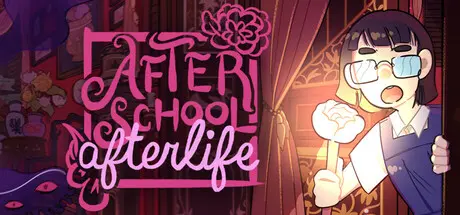
April 7Apr 7 After School Afterlife Game DetailsRelease Name: After School AfterlifeGame Version: v1.1.3 | Build 22023263Release Date: 23 Jan, 2026Publisher: Mini BunniesDeveloper: Mini BunniesBased On: CSF & GoldbergAfter School Afterlife Direct Download - Game OverviewCasual platforming with a rhythmic twist - jump through the gorgeously decorated rooms of a Peranakan mansion where platforms and obstacles are controlled by the beat. At the end of each zone, defeat a demonic auntie with a penchant for musical mahjong. From vanishing platforms to extreme gardening, each zone has new and unique challenges to discover.Befriend a colourful cast of demons and ghosts and lend them a helping hand: Serve breakfast at a kopi tiam at rush hour, star in a demon's deadly game show, and make the world's best fishing game with your otter friend. Helping your friends may change the world around you.After School Afterlife Screenshots After School Afterlife TrailerAfter School Afterlife System Requirements Minimum RequirementsRecommended Requirements OSWindows XP, Vista, 7, 8, or 10- ProcessorDual Core+- Memory2 GB RAM- Graphics128MB- DirectX-- Storage400 MB available space- How to Install After School AfterlifeNo Installation Needed: The game is pre-installed. Just download and extract.Extract: Right-click the .zip or .rar file and select "Extract Here" or "Extract to folder".Run: Find After School Afterlife.exe inside the folder and run it.Game Data & SettingsChange Language: Edit the file located at steam_settings/Configs.user.iniImportant NotesTo support the Game Developer, Get It On Steam.🔥DOWNLOAD AREA🔥🔹55.76 MB🔹Select the server you want to download with ZeiLink.Download





Create an account or sign in to comment