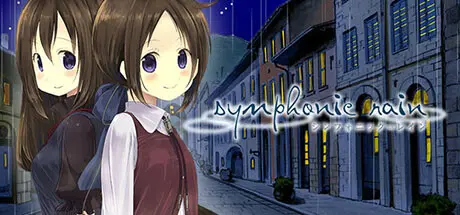
March 24Mar 24 Symphonic Rain Game DetailsRelease Name: Symphonic RainGame Version: Build 16701741Release Date: 14 Jun, 2017Publisher: KOMODODeveloper: KOGADO STUDIOBased On: CSF & GoldbergSymphonic Rain Direct Download - Game OverviewIn Piova, the city of music and endless rain, young men and women gather to pursue their dreams of becoming musicians. Chris Vertin is one of these young men, leaving his rural hometown and girlfriend behind to enroll in the Piova Communal School of Music.Winter has come and it's been over two years since Chris began studying to become a Fortenist—a master of the magical instrument known as the Fortelle. Graduation is only a few months away, and Chris must perform an original song together with a vocal partner for his final examination. But Chris, feeling unmotivated and listlessly spending his days, has yet to even try to find a partner. His entire world consists of letters he receives from his girlfriend and a 14 centimeter tall musical fairy living in his room.Symphonic Rain Screenshots Symphonic Rain TrailerSymphonic Rain System Requirements Minimum RequirementsRecommended Requirements OSWindows 7, 8, or 10- Processor2GHz or more- Memory2 GB RAM- GraphicsMonitor capable of displaying 1280x720, full color- DirectX-- Storage4 GB available space- How to Install Symphonic RainNo Installation Needed: The game is pre-installed. Just download and extract.Extract: Right-click the .zip or .rar file and select "Extract Here" or "Extract to folder".Run: Find SR.exe inside the folder and run it.Game Data & SettingsChange Language: Edit the file located at steam_settings/Configs.user.iniSave Data Location: %USERPROFILE%/AppData/Local/KOGADO/SRIntlImportant NotesTo support the Game Developer, Get It On Steam.🔥DOWNLOAD AREA🔥🔹2.88 GB🔹Select the server you want to download with ZeiLink.ALL Language Files Included.Download





Create an account or sign in to comment