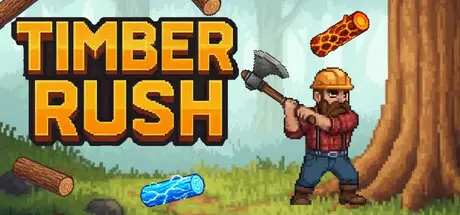
March 20Mar 20 Timber Rush Game DetailsRelease Name: Timber RushGame Version: v1.0.5 | Build 22400505Release Date: 17 Mar, 2026Publisher: Allerton AppsDeveloper: Allerton AppsBased On: CSF & GoldbergTimber Rush Direct Download - Game OverviewHack away at a massive tree that showers the ground with logs, gold, and power-ups.Spend your hard-earned logs on a massive skill tree packed with automation, special logs, potions, and wild synergies.Unlock axes and characters to maximize your chopping potential.Trigger lightning strikes, freeze time, or magnetize the entire screen.Timber Rush Screenshots Timber Rush TrailerTimber Rush System Requirements Minimum RequirementsRecommended Requirements OSWindows 10 (64-bit)- ProcessorIntel Dual-Core 1.6GHz or faster processor- Memory2 GB RAM- GraphicsIntegrated graphics- DirectX-- Storage500 MB available space- How to Install Timber RushNo Installation Needed: The game is pre-installed. Just download and extract.Extract: Right-click the .zip or .rar file and select "Extract Here" or "Extract to folder".Run: Find Timber Rush.exe inside the folder and run it.Game Data & SettingsChange Language: Edit the file located at steam_settings/Configs.user.iniImportant NotesTo support the Game Developer, Get It On Steam.🔥DOWNLOAD AREA🔥🔹64 MB🔹Select the server you want to download with ZeiLink.Download





Create an account or sign in to comment