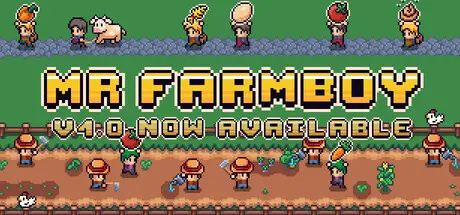
March 6Mar 6 MR FARMBOY Game DetailsRelease Name: MR FARMBOYGame Version: v1.0 | Build 22216382Release Date: 5 Mar, 2026Publisher: mrdboyDeveloper: mrdboyBased On: CSF & GoldbergMR FARMBOY Direct Download - Game OverviewMR FARMBOY is a colony farming game with automation.Build your dream farm, grow crops, raise animals, attract villagers, and hire workers to automate everything. 🌱 Grow and Harvest CropsPlant, water, and harvest a variety of crops on your dream farm.🐓 Raise AnimalsBuild Coops to raise chickens, ducks and geese, Barns to raise pigs, sheep, and cows.🏗️ Build Your FarmConstruct Markets, Houses, Warehouses , Coops, Barns, and more to grow your farming empire.🛠️ Automate Your FarmHire Farmers, Gatherers, and Carriers to fully automate production and logistics.💰 Sell to VillagersAttract villagers to your farm and sell your goods to them.🧘 Relax and StrategizeEnjoy the atmosphere while optimizing your farm’s automation. MR FARMBOY Screenshots MR FARMBOY TrailerMR FARMBOY System Requirements Minimum RequirementsRecommended Requirements OSWindows 10 or newer- Processor2.5Ghz or better- Memory2 GB RAM4 GB RAM GraphicsSupport for OpenGL 3.3- DirectX-- Storage1 GB available space- How to Install MR FARMBOYNo Installation Needed: The game is pre-installed. Just download and extract.Extract: Right-click the .zip or .rar file and select "Extract Here" or "Extract to folder".Run: Find Launcher.exe inside the folder and run it.Game Data & SettingsChange Language: Edit the file located at steam_settings/Configs.user.iniSave Data Location: %USERPROFILE%/AppData/Roaming/Godot\app_userdata\MR FARMBOY\game_dataImportant NotesTo support the Game Developer, Get It On Steam.🔥DOWNLOAD AREA🔥🔹89 MB🔹Select the server you want to download with ZeiLink.Download





Create an account or sign in to comment