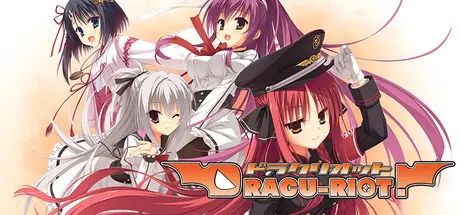
March 1Mar 1 DRACU-RIOT! Game DetailsRelease Name: DRACU-RIOT!Game Version: Build 22142323Release Date: 27 Feb, 2026Publisher: NekoNyan Ltd., HIKARI FIELDDeveloper: YUZUSOFTBased On: CSF & GoldbergDRACU-RIOT! Direct Download - Game OverviewA young man heads to the island with one goal in mind: "I'm gonna get laid and lose my v-card!" His unwitting friend and our protagonist, Mutsura Yuuto, tagged along under the assumption that it would be a simple, fun vacation. However, on the very first day of their trip, Yuuto witnesses a kidnapping. Unable to overlook this transgression, Yuuto takes matters into his own hands, setting off a chain of events leading to him becoming a vampire! Now, our newly fanged hero finds himself confined to Aqua Eden. In the midnight city of the future, where vampires wander moonlit streets, Yuuto's unforgettable new nightlife is about to begin. This is the story of a city with a utopian vision where humans and vampires are allowed to coexist. DRACU-RIOT! Screenshots DRACU-RIOT! TrailerDRACU-RIOT! System Requirements Minimum RequirementsRecommended Requirements OSWindows 10 or newer- Processor1.7 GHz or above- Memory4 GB RAM- Graphics1GB VRAM- DirectXVersion 9.0- Storage8 GB available space- How to Install DRACU-RIOT!No Installation Needed: The game is pre-installed. Just download and extract.Extract: Right-click the .zip or .rar file and select "Extract Here" or "Extract to folder".Run: Find dracuriot64.exe inside the folder and run it.Game Data & SettingsChange Language: Edit the file located at steam_settings/Configs.user.iniSave Data Location: [Steam Library]/steamapps/common/Dracu-Riot/savedataImportant NotesTo support the Game Developer, Get It On Steam.🔥DOWNLOAD AREA🔥🔹4.72 GB🔹Select the server you want to download with ZeiLink.Download





Create an account or sign in to comment