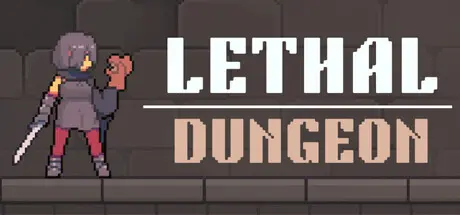
February 24Feb 24 Lethal Dungeon Game DetailsRelease Name: Lethal DungeonGame Version: v1.0.7 | Build 22039779Release Date: 19 Feb, 2026Publisher: Nihohe SoftDeveloper: Nihohe SoftBased On: CSF & GoldbergLethal Dungeon Direct Download - Game OverviewLethal Dungeon is a roguelike card game. Win every battle using only the cards in your opening hand to defeat all enemies in a single turn.Using as few cards as possible will earn you more rewards, and if you get stuck on an enemy, you can use money to shuffle and draw.Upgrade your deck using the money you earn! Defeat stronger enemies to earn more money! Repeat this process until you clear the dungeon!Lethal Dungeon Screenshots Lethal Dungeon TrailerLethal Dungeon System Requirements Minimum RequirementsRecommended Requirements OSWindows 10Windows 11 Processor-Intel Core i5 Memory8 GB RAM16 GB RAM Graphics-Intel Iris Xe Graphics DirectX-- Storage-649 MB available space How to Install Lethal DungeonNo Installation Needed: The game is pre-installed. Just download and extract.Extract: Right-click the .zip or .rar file and select "Extract Here" or "Extract to folder".Run: Find LethalDungeon.exe inside the folder and run it.Game Data & SettingsChange Language: Edit the file located at steam_settings/Configs.user.iniSave Data Location: %USERPROFILE%/AppData/LocalLow/Nihohe Soft/LethalDungeonImportant NotesTo support the Game Developer, Get It On Steam.🔥DOWNLOAD AREA🔥🔹210 MB🔹Select the server you want to download with ZeiLink.Download





Create an account or sign in to comment