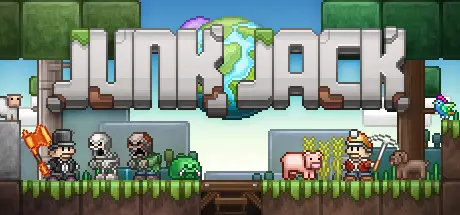
February 7Feb 7 Junk Jack Game DetailsRelease Name: Junk JackGame Version: v3.3 | Build 4920856Release Date: 30 Nov, 2016Publisher: PixbitsDeveloper: PixbitsBased On: CSF & GoldbergJunk Jack Direct Download - Game Overview Make the world truly yours in Junk Jack, a relaxing sandbox experience focused on building and improving your home. Tame and breed creatures, cook foods, collect animal companions, farm exotic plants, collect fish, grow flowers, play with your friends! Travel in procedural planets full of content to discover, monsters to combat, crafts to learn and loot to equip or simply proudly display in your home.All of this is possible in Junk Jack, and much more will be possible in the future. We have much more fun stuff to do planned forthcoming!Junk Jack Screenshots Junk Jack TrailerJunk Jack System Requirements Minimum RequirementsRecommended Requirements OSWindows 8Windows 10 ProcessorIntel x86 CPUIntel x64 CPU Memory1 GB RAM2 GB RAM GraphicsOpengl 2.1+ GPU (256MB VRAM)Opengl 3.0+ GPU (1GB VRAM) DirectX-- Storage300 MB available space500 MB available space How to Install Junk JackNo Installation Needed: The game is pre-installed. Just download and extract.Extract: Right-click the .zip or .rar file and select "Extract Here" or "Extract to folder".Run: Find bin/x64/JunkJack.exe inside the folder and run it.Game Data & SettingsChange Language: Edit the file located at steam_settings/Configs.user.iniSave Data Location: %USERPROFILE%/AppData/Roaming/Junk JackImportant NotesTo support the Game Developer, Get It On Steam.🔥DOWNLOAD AREA🔥🔹63 MB🔹Select the server you want to download with ZeiLink.Download





Create an account or sign in to comment