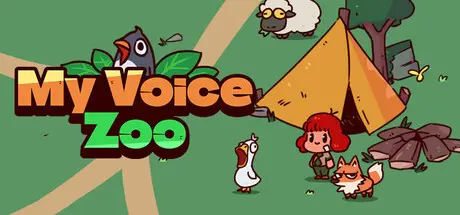
February 5Feb 5 MyVoiceZoo Game DetailsRelease Name: MyVoiceZooGame Version: Build 21141231Release Date: 26 Sep, 2025Publisher: TRUSODeveloper: TRUSOBased On: CSF & GoldbergMyVoiceZoo Direct Download - Game OverviewMy Voice Zoo is a unique idle zoo game brought to life with your very own voice.Create animal cries using your microphone,and build a one-of-a-kind zoo found nowhere else.Whenever the animals cry, your voice echoes and income builds up.That income can be used to adopt new animals, helping your zoo grow bigger and livelier over time.MyVoiceZoo Screenshots MyVoiceZoo TrailerMyVoiceZoo System Requirements Minimum RequirementsRecommended Requirements OSWindows 7 or laterWindows 7 or later ProcessorIntel Core i3Intel Core i3 Memory2048 MB RAM2048 MB RAM GraphicsIntel HD Graphics 4000 or betterIntel HD Graphics 4000 or better DirectXVersion 10Version 10 Storage300 MB available space300 MB available space How to Install MyVoiceZooNo Installation Needed: The game is pre-installed. Just download and extract.Extract: Right-click the .zip or .rar file and select "Extract Here" or "Extract to folder".Run: Find MyVoiceZoo.exe inside the folder and run it.Game Data & SettingsChange Language: Edit the file located at steam_settings/Configs.user.iniSave Data Location: %USERPROFILE%/AppData/LocalLow/DefaultCompany/MyVoiceZoo/Important NotesTo support the Game Developer, Get It On Steam.🔥DOWNLOAD AREA🔥🔹297 MB🔹Select the server you want to download with ZeiLink.Download





Create an account or sign in to comment