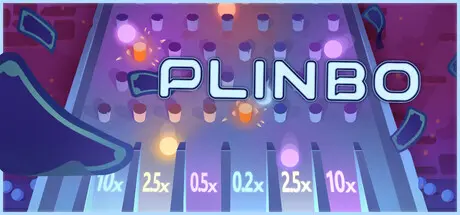
February 3Feb 3 Plinbo: Roguelike Plinko Game DetailsRelease Name: Plinbo: Roguelike PlinkoGame Version: v1.0.4 | Build 21749265Release Date: 31 Jan, 2026Publisher: Rogue Duck Interactive, Gamersky GamesDeveloper: Raphus & Co.Based On: CSF & GoldbergPlinbo: Roguelike Plinko Direct Download - Game OverviewPlinbo offers a unique gaming experience that blends strategy and luck, where each run lets you choose different card and challenge combinations in a roguelike style.Build your deck through strategic decisions.Take risks by joining challenges.Shape your experience with your choices.Fight to reach the target money.With various card and challenge combinations, every run offers a new journey and a different strategic challenge.Tarot cards that uniquely shape your experience.High-risk, turn-based challenges.Luck cards that instantly change your game.Some cards keep you standing in the early game… others shine in the late stages. Some will always be by your side.Find the best synergy with the right combinations.Plinbo: Roguelike Plinko Screenshots Plinbo: Roguelike Plinko TrailerPlinbo: Roguelike Plinko System Requirements Minimum RequirementsRecommended Requirements OSWindows 10 or more- ProcessorIntel® Core™ i3- Memory2 GB RAM- GraphicsIntel HD Graphics 3000 or better- DirectX-- Storage500 MB available space- How to Install Plinbo: Roguelike PlinkoNo Installation Needed: The game is pre-installed. Just download and extract.Extract: Right-click the .zip or .rar file and select "Extract Here" or "Extract to folder".Run: Find Plinbo.exe inside the folder and run it.Game Data & SettingsChange Language: Edit the file located at steam_settings/Configs.user.iniSave Data Location: %USERPROFILE%/AppData/LocalLow/Raphus Co/PlinboImportant NotesTo support the Game Developer, Get It On Steam.🔥DOWNLOAD AREA🔥🔹258 MB🔹Select the server you want to download with ZeiLink.Download





Create an account or sign in to comment