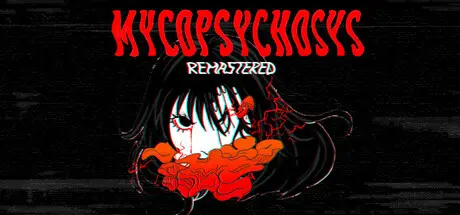
January 19Jan 19 Mycopsychosys: Remastered Game DetailsRelease Name: Mycopsychosys: RemasteredGame Version: v2.0 | Build 21387363Release Date: 7 Aug, 2025Publisher: DeltaCat StudioDeveloper: DeltaCat StudioBased On: CSF & GoldbergMycopsychosys: Remastered Direct Download - Game OverviewHeavy clouds that contain Mycopsychosys spores are approaching your area. If you want to survive, you have to stay inside your home and closely follow the PCD (plague control department) issued rules.In this visual novel, you will experience a sporestorm firsthand. You'll be tasked not only with surviving the night but also with taking care of the people around you. Explore the scenario, meet and interact with our charismatic main cast, and decide if you trust them enough to let them inside your house or if you'd rather not risk it. Be carefull, sometimes issolation is not the answer.To enhance the experience and to help the player survive, a web page has been created by the PCD containing crucial information about the spores, the infection and about those who fall ill from itIn case you don't have an active internet connection, we've also included the information inside the "Survivor manual" folder.Mycopsychosys: Remastered Screenshots Mycopsychosys: Remastered TrailerMycopsychosys: Remastered System Requirements Minimum RequirementsRecommended Requirements OSWindows 10- ProcessorIntel Core i3- Memory2048 MB RAM- GraphicsIntegrated Graphics Card- DirectX-- Storage-- How to Install Mycopsychosys: RemasteredNo Installation Needed: The game is pre-installed. Just download and extract.Extract: Right-click the .zip or .rar file and select "Extract Here" or "Extract to folder".Run: Find mycopsychosys.exe inside the folder and run it.Game Data & SettingsChange Language: Edit the file located at steam_settings/Configs.user.iniImportant NotesTo support the Game Developer, Get It On Steam.🔥DOWNLOAD AREA🔥🔹283.52 MB🔹Select the server you want to download with ZeiLink.Download





Create an account or sign in to comment