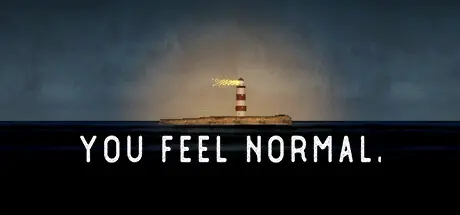
January 5Jan 5 you feel normal. Game DetailsRelease Name: you feel normal.Game Version: Build 13743706Release Date: 2 Apr, 2024Publisher: Ziv IzDeveloper: Ziv Iz, NonbtBased On: CSF & Goldbergyou feel normal. Direct Download - Game OverviewYou Feel Normal.is a "psx" atmospheric horror indie game.You find yourself stranded along a lonely abandoned road desperately seeking help.You stumble upon an old, farm-themed amusement park.you feel normal. Screenshots you feel normal. System Requirements Minimum RequirementsRecommended Requirements OSWindows 10, 11- Processor2.5 GHz Quad-core Intel or AMD processor- Memory350 MB RAM- GraphicsNVIDIA GeForce 470 GTX or AMD Radeon 6870 HD- DirectX-- Storage-- How to Install you feel normal.No Installation Needed: The game is pre-installed. Just download and extract.Extract: Right-click the .zip or .rar file and select "Extract Here" or "Extract to folder".Run: Find you feel normal..exe inside the folder and run it.Game Data & SettingsChange Language: Edit the file located at steam_settings/Configs.user.iniImportant NotesTo support the Game Developer, Get It On Steam.🔥DOWNLOAD AREA🔥🔹238 MB🔹Select the server you want to download with ZeiLink.Download





Create an account or sign in to comment