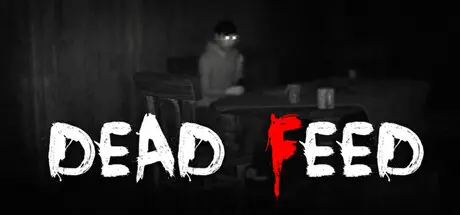
January 4Jan 4 Dead Feed Game DetailsRelease Name: Dead FeedGame Version: Build 20703505Release Date: 28 Nov, 2025Publisher: SolitaryStudiosDeveloper: SolitaryStudiosBased On: CSFDead Feed Direct Download - Game OverviewDEAD FEED is a psychological, ghost-hunting horror game that follows two friends, Ethan and Sam, as they embark on a late-night investigation inside an abandoned, haunted house.Ethan takes on the role of the main investigator, venturing deep into the darkness to set up cameras and uncover the truth behind the paranormal activity. Meanwhile, Sam stays behind, monitoring every feed and sound from his laptop, safe behind the screen… or so he thinks.Dead Feed Screenshots Dead Feed TrailerDead Feed System Requirements Minimum RequirementsRecommended Requirements OSWindows 10Windows 10 ProcessorRyzen 3 3200gRyzen 5 5600 Memory6 GB RAM10 GB RAM GraphicsGTX 1050 tiRX 6600 DirectXVersion 11Version 11 Storage5 GB available space5 GB available space How to Install Dead FeedNo Installation Needed: The game is pre-installed. Just download and extract.Extract: Right-click the .zip or .rar file and select "Extract Here" or "Extract to folder".Run: Find Dead Feed.exe inside the folder and run it.Important NotesTo support the Game Developer, Get It On Steam.🔥DOWNLOAD AREA🔥🔹1.65 GB🔹Select the server you want to download with ZeiLink.Download





Create an account or sign in to comment