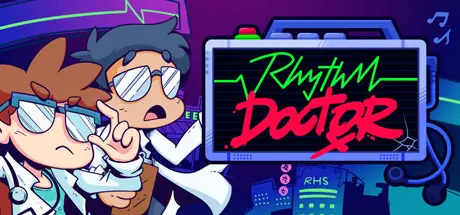
December 27, 2025Dec 27 Rhythm Doctor Game DetailsRelease Name: Rhythm DoctorGame Version: v1.0.2 | Build 21254178Release Date: 6 Dec, 2025Publisher: 7th Beat Games, indienovaDeveloper: 7th Beat GamesBased On: CSF & GoldbergRhythm Doctor Direct Download - Game OverviewSave lives with your spacebar! Rhythm Doctor is a rhythm game in a world where defibrillating patients' hearts in sync with their heartbeats has healing properties. Slam your spacebar in perfect time on the 7th beat, and they might just come out okay. But beware - every patient has unique illnesses based on complex music theory: polyrhythms, hemiolas, irregular time signatures...if you don't know what they mean, don't worry. Rhythm Doctor is designed to make you learn music and rhythm theory without even realising it!Rhythm Doctor Screenshots Rhythm Doctor TrailerRhythm Doctor System Requirements Minimum RequirementsRecommended Requirements OSWindows 10 or later- Processor-- Memory2 GB RAM- GraphicsIntel Graphics 4000, 2GB VRAM- DirectX-- Storage1 GB available space- How to Install Rhythm DoctorNo Installation Needed: The game is pre-installed. Just download and extract.Extract: Right-click the .zip or .rar file and select "Extract Here" or "Extract to folder".Run: Find Rhythm Doctor.exe inside the folder and run it.Game Data & SettingsChange Language: Edit the file located at steam_settings/Configs.user.iniSave Data Location: */UserImportant NotesTo support the Game Developer, Get It On Steam.🔥DOWNLOAD AREA🔥🔹415.99 MB🔹Select the server you want to download with ZeiLink.Download





Create an account or sign in to comment