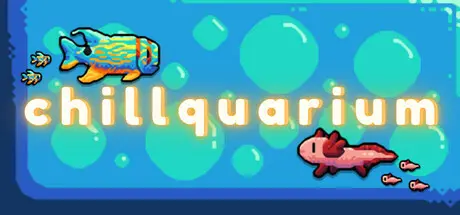
December 25, 2025Dec 25 Chillquarium Game DetailsRelease Name: ChillquariumGame Version: v1.3.7 | Build 18678544Release Date: 6 Sep, 2023Publisher: Ben ReberDeveloper: Ben ReberBased On: CSF & GoldbergChillquarium Direct Download - Game OverviewChillquarium is a relaxing idle game, where you buy fish and raise them in real time, then sell them to turn a profit or keep them around to earn money through ticket sales!Unlock rare fish through booster packs!Create a feeding frenzy to grow your fish!Complete your collection of 156 unique fish, and unlock rare and ultra-rare color variants for each one!Customize your aquarium and relax with your fish through real-time day-night cycles!Chillquarium Screenshots Chillquarium TrailerChillquarium System Requirements Minimum RequirementsRecommended Requirements OSWindows 10- Processor2.4 GHz Dual Core- Memory2 GB RAM- Graphics-- DirectX-- Storage100 MB available space- How to Install ChillquariumNo Installation Needed: The game is pre-installed. Just download and extract.Extract: Right-click the .zip or .rar file and select "Extract Here" or "Extract to folder".Run: Find Launcher.exe inside the folder and run it.Game Data & SettingsChange Language: Edit the file located at steam_settings/Configs.user.iniSave Data Location: %USERPROFILE%/AppData/Roaming/Godot/app_userdata/Chillquarium/V7Important NotesTo support the Game Developer, Get It On Steam.🔥DOWNLOAD AREA🔥🔹289 MB🔹Select the server you want to download with ZeiLink.Download





Create an account or sign in to comment