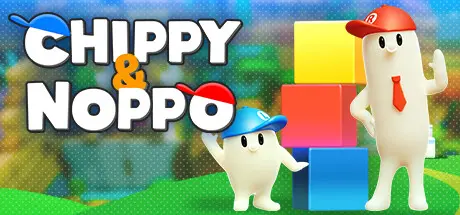
December 17, 2025Dec 17 Chippy & Noppo Game DetailsRelease Name: Chippy & NoppoGame Version: v1.2.0 | Build 11685320Release Date: 8 Mar, 2023Publisher: O-TWO inc.Developer: peakvox, O-TWO inc.Based On: CSF & GoldbergChippy & Noppo Direct Download - Game Overview"Chippy and Noppo" is an action puzzle that assembles parts into a toy!Collect the parts in the factory, process the colors and shapes, and make the same toy as the blueprint.Even if it's a little different, you might be able to clear it...!?Because the factory manager is a bit careless.Cheerful "Chippy" is good in low places.Tall and easy-going "Noppo" is good at jumping.The key to clarifying the game is the cooperation of both, using their individuality to split roles, and more!In solo play, operate two guys at the same time!Operate well and aim for the fastest clear!In multiplayer, operate "Chippy" and "Noppo" respectively.This is a place where you can chat, so let's play while talking to friends and family!Chippy & Noppo Screenshots Chippy & Noppo TrailerChippy & Noppo System Requirements Minimum RequirementsRecommended Requirements OSWindows 10 / 11Windows 10 / 11 Processor2.0GHz 4Core2.0GHz 4Core Memory4 GB RAM4 GB RAM GraphicsGeForce GTX 650 / equivalent RadeonGeForce GTX 960 / equivalent Radeon DirectXVersion 11Version 11 Storage2 GB available space2 GB available space How to Install Chippy & NoppoNo Installation Needed: The game is pre-installed. Just download and extract.Extract: Right-click the .zip or .rar file and select "Extract Here" or "Extract to folder".Run: Find ChippyAndNoppo/Binaries/Win64/ChippyAndNoppo.exe inside the folder and run it.Game Data & SettingsChange Language: Edit the file located at steam_settings/Configs.user.iniSave Data Location: %USERPROFILE%/AppData/Local/ChippyAndNoppo/Saved/SaveGamesImportant NotesTo support the Game Developer, Get It On Steam.🔥DOWNLOAD AREA🔥🔹1.51 GB🔹Select the server you want to download with ZeiLink.Download





Create an account or sign in to comment