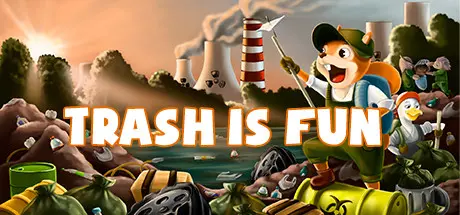
December 9, 2025Dec 9 Trash is Fun Game DetailsRelease Name: Trash is FunGame Version: v1.9 | Build 11637819Release Date: 5 Jul, 2022Publisher: Martian TeapotsDeveloper: Martian TeapotsBased On: CSF & GoldbergTrash is Fun Direct Download - Game Overview Embark on an unforgettable journey with your friends around the world in an eco-friendly adventure made specifically for a group of 2 to 4 people. You will play as different mutated animals: duck, owl, squirrel and hedgehog, and others. After the apocalypse due to global warming, the characters realized that in order to survive, they would have to gather in a team and sort and recycle garbage. Trash is Fun Screenshots Trash is Fun System Requirements Minimum RequirementsRecommended Requirements OSWindows 7 SP1 (64-bit) or Windows 10 (64-bit)Windows 10 (64-bit) or Windows 11 ProcessorIntel Core i3 or AMD Ryzer 3Intel Core i5 or AMD Ryzer 5 Memory4 GB RAM8 GB RAM GraphicsIntel UHD 630 or Radeon Vega 8GeForce GTX 750 or Radeon R9 270X DirectXVersion 11Version 12 Storage1 GB available space1 GB available space How to Install Trash is FunNo Installation Needed: The game is pre-installed. Just download and extract.Extract: Right-click the .zip or .rar file and select "Extract Here" or "Extract to folder".Run: Find Trash is Fun.exe inside the folder and run it.Game Data & SettingsChange Language: Edit the file located at steam_settings/Configs.user.iniImportant NotesTo support the Game Developer, Get It On Steam.🔥DOWNLOAD AREA🔥🔹207.29 MB🔹Select the server you want to download with ZeiLink.Download





Create an account or sign in to comment